
Get the app
How to install Go Do
Go Do isn't in the App Store or Google Play yet — but you don't have to wait. Go Do is a web app, so you can add it to your phone's Home Screen in about 10 seconds. It opens full screen, gets its own icon, sends notifications and updates itself automatically, just like any other app.
iPhone and iPad
Use Safari — it's the browser that can add web apps to the Home Screen on iPhone.
Open go-do.live in Safari
Open the Safari app and go to go-do.live.
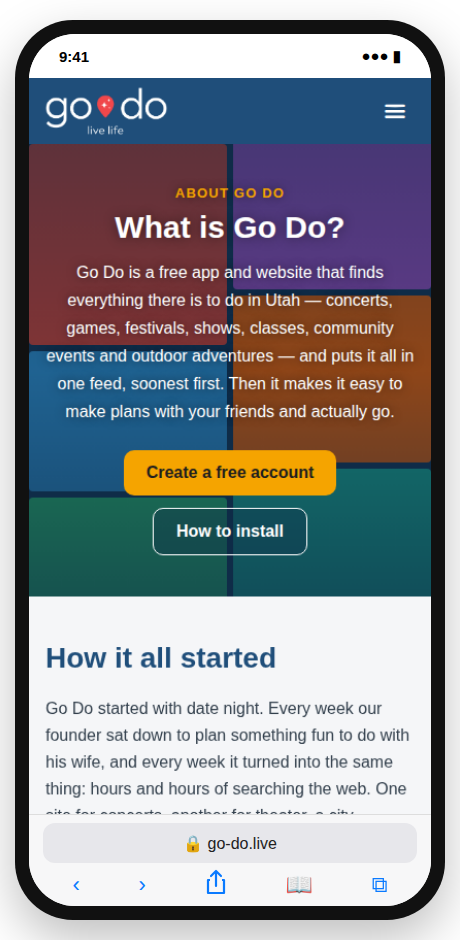
Tap the Share button
Tap the Share button — the square with an arrow pointing up — at the bottom of the screen (on iPad it's at the top).
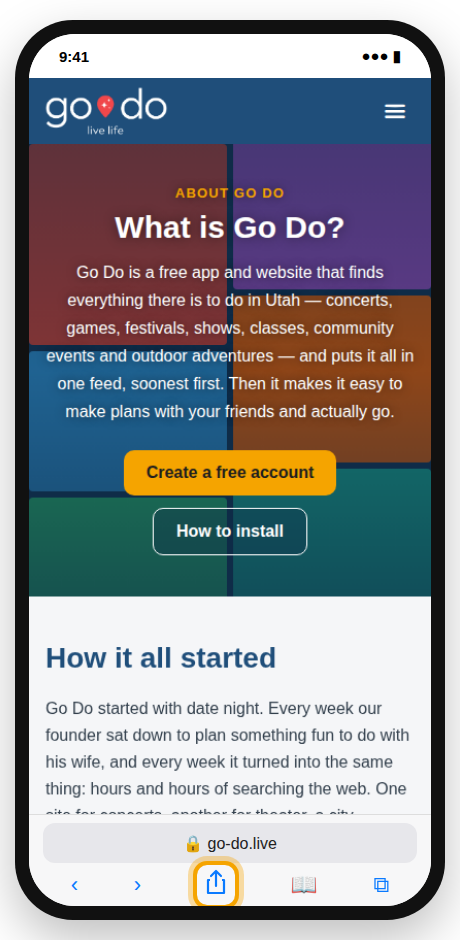
Tap “Add to Home Screen”
Scroll down the list and tap Add to Home Screen. If you don't see it, tap Edit Actions at the bottom and add it.
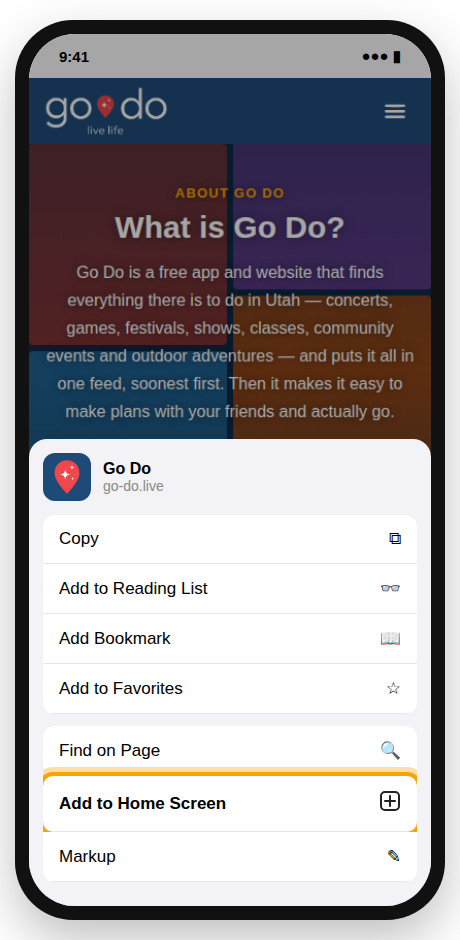
Tap “Add”
Leave the name as Go Do and tap Add in the top-right corner.
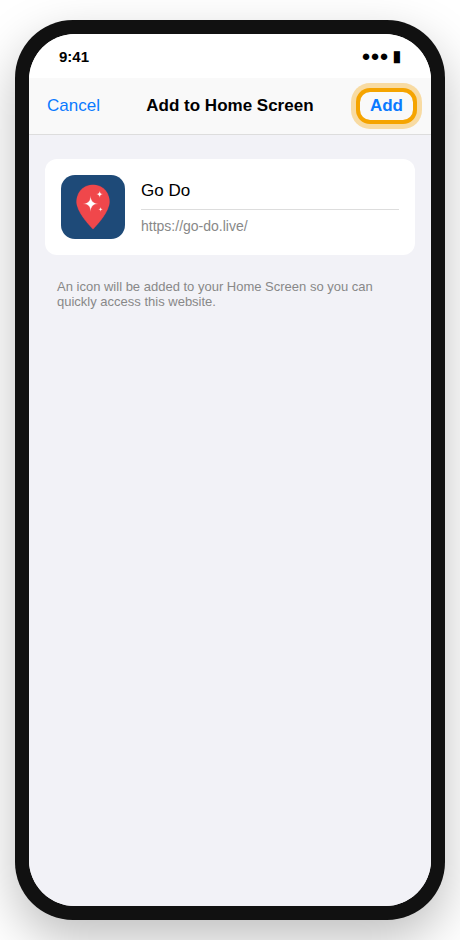
Open Go Do from your Home Screen
Tap the new Go Do icon, log in or create your free account, and turn on notifications so you know when friends invite you. (Notifications need iOS 16.4 or newer.)
Android
Use Google Chrome. (Samsung Internet works the same way: open the menu and choose Add page to › Home screen.)
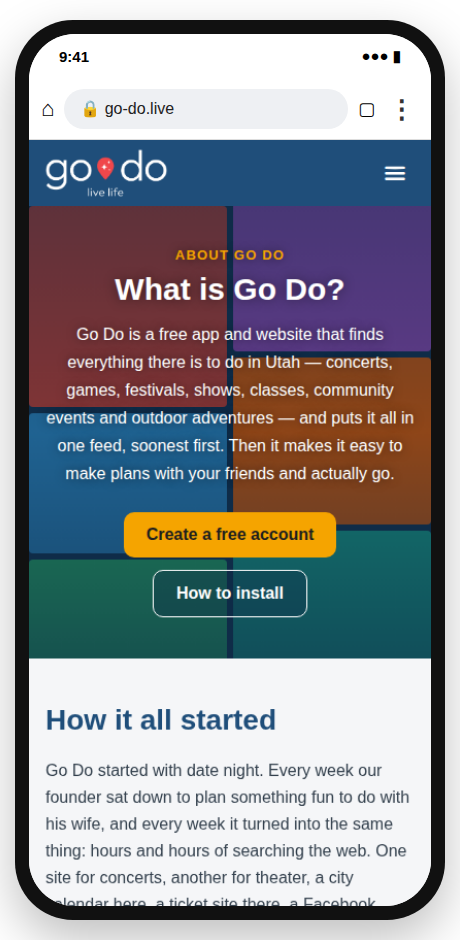
Open go-do.live in Chrome
Open the Chrome app and go to go-do.live.
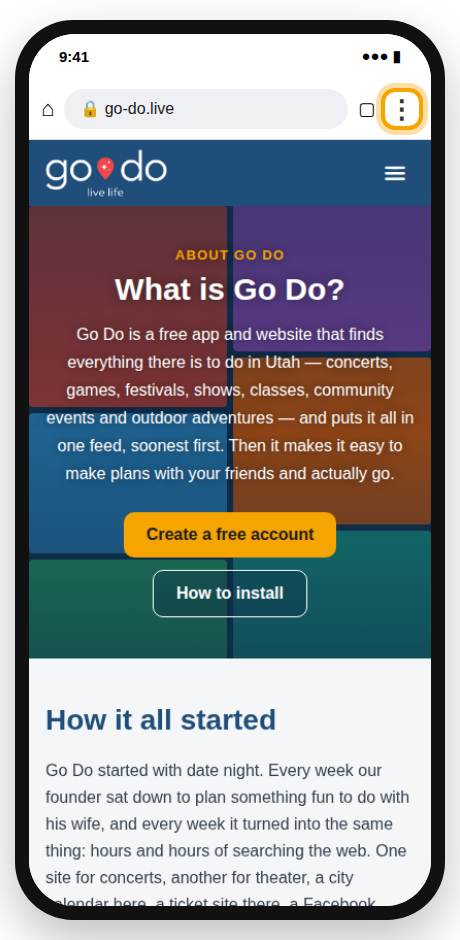
Tap the ⋮ menu
Tap the three dots in the top-right corner of Chrome.
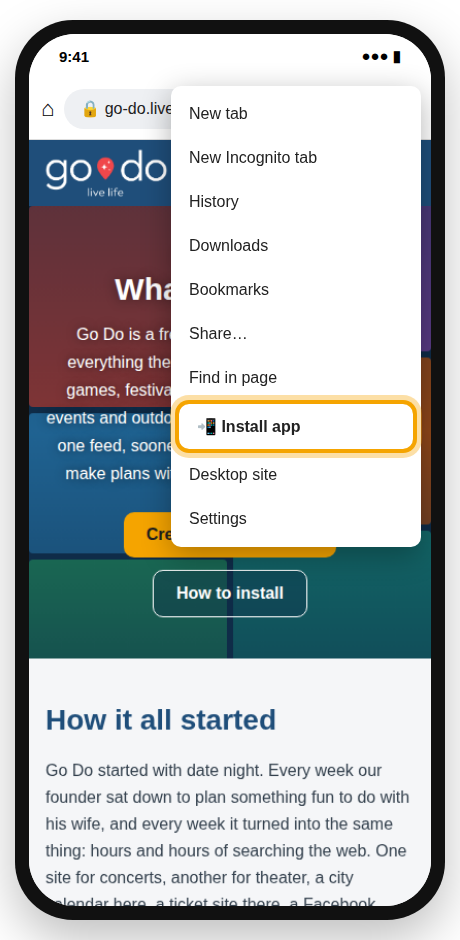
Tap “Install app” or “Add to Home screen”
Choose Install app. On some phones it says Add to Home screen.
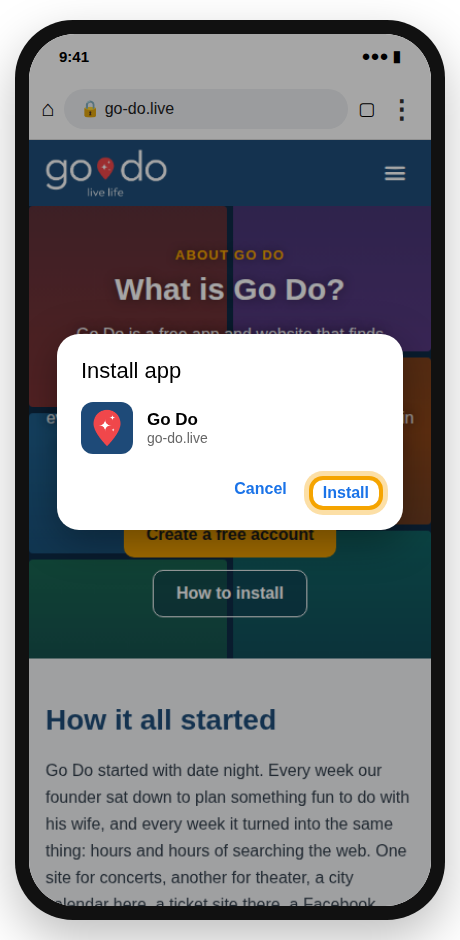
Tap “Install”
Confirm by tapping Install (or Add).
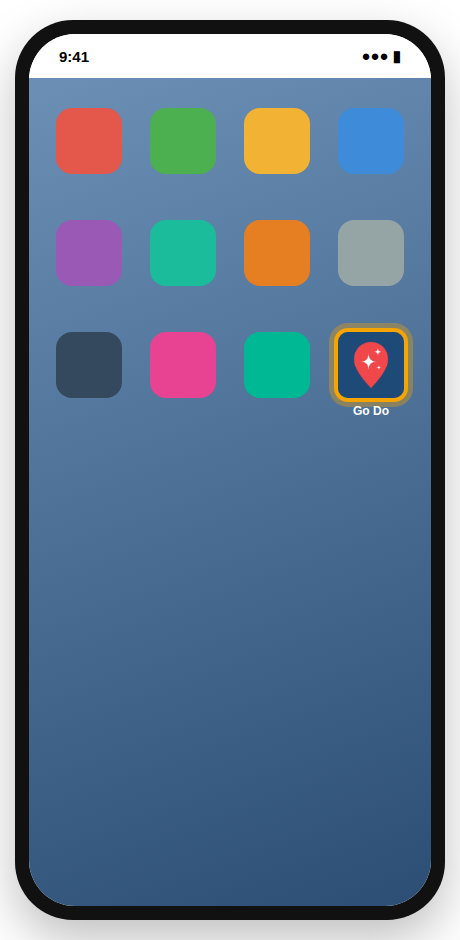
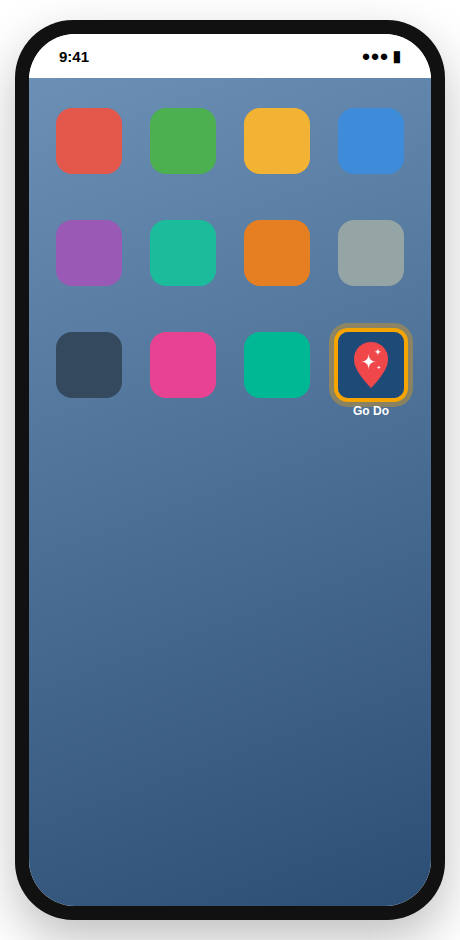
Open Go Do from your Home screen
Find the Go Do icon on your Home screen or in your app drawer, open it, log in, and allow notifications.
On a computer
You don't need to install anything — just go to go-do.live in any browser and log in. Go Do has a full layout made for bigger screens.
If you'd like it in its own window, Chrome and Microsoft Edge show an Install button in the address bar when you're on go-do.live.
Questions
When will Go Do be in the App Store and Google Play?
We're working on it. When it's ready you'll be able to switch over and keep your account, friends and plans.
Is the Home Screen version really an app?
Yes. It opens full screen with its own icon, remembers your login, sends notifications and updates itself — it just comes from the web instead of an app store.
Does it cost anything?
No. Go Do is completely free.
I don't see “Add to Home Screen” on my iPhone.
Make sure you're in Safari (not Chrome or another app's built-in browser). In the Share menu, scroll to the bottom and tap Edit Actions to add it.
How do I remove it?
Press and hold the Go Do icon and choose Remove App (iPhone) or Uninstall (Android), just like any other app.
Installed? Let's find something to do.
Create your free account and see what's happening near you this week.